Integration
Multilogin
Multilogin simplifies managing multiple online accounts by creating virtual browsing profiles. These profiles, when paired with proxies, help hide digital footprints and handle tasks like ads, affiliates, ticketing, and more. Users can integrate proxies for enhanced performance, choosing datacenter proxies for simpler tasks and real residential IPs for increased security and success rates.
Setting up proxies using Multilogin
Set up a new browser profile in Multilogin by downloading and opening the app, then going to "Profiles" → "Browser" and clicking "Create".
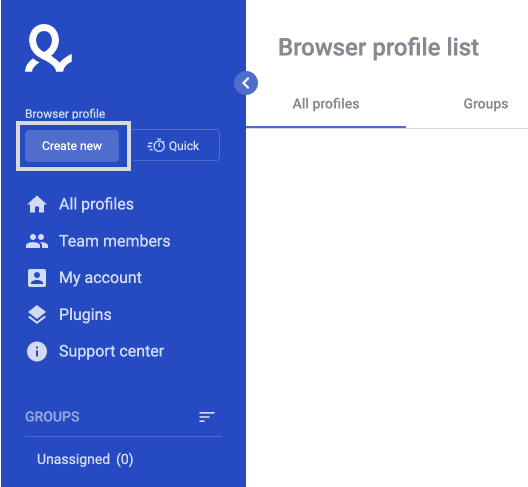
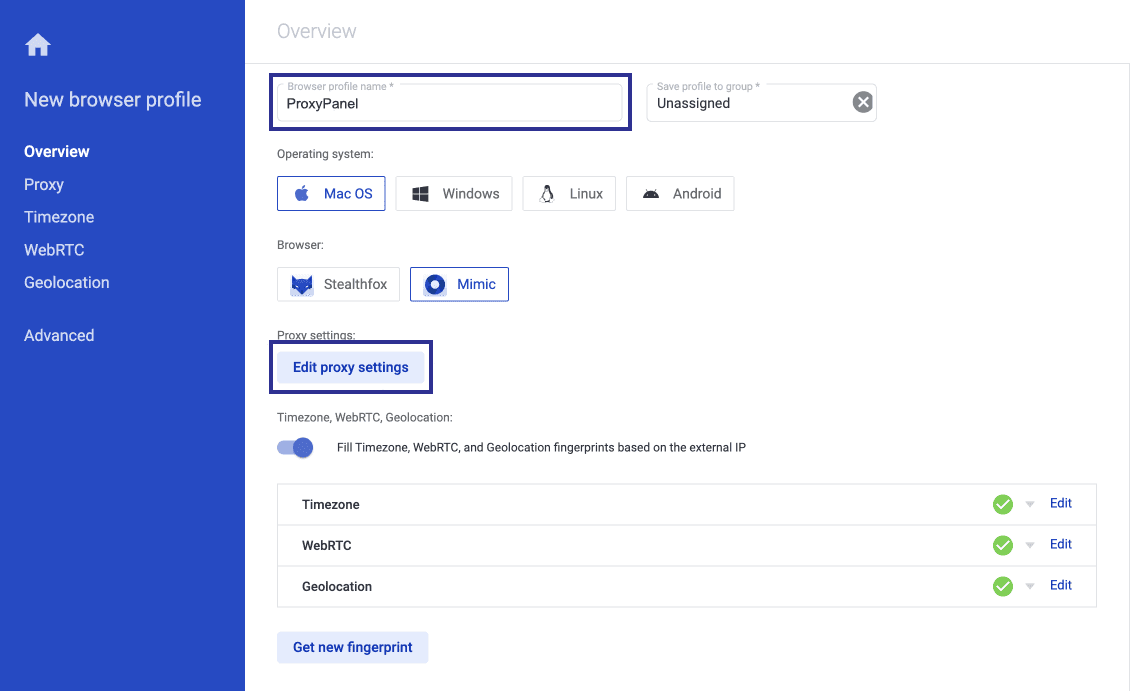
Name your browser profile in the "General" section (e.g., ProxyPanel), then open the "Proxy" section and choose "Custom".
In your dashboard, click "My Proxies" in the left sidebar, and click "Start proxy" if your proxy still shows Pending.
The Connection column lists an "HTTP proxy" and a "SOCKS5 proxy" line, each with your host and its own port. Your username and proxy password are under Credentials: use "Copy username", and the eye icon or "Copy password" for the password. Your account password isn't needed.
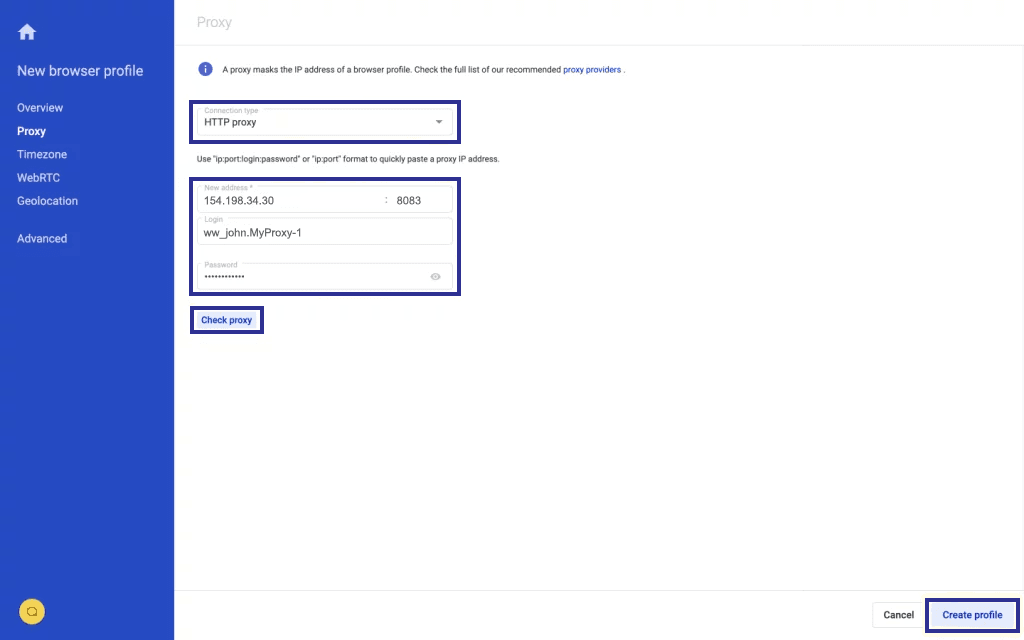
Choose HTTP or SOCKS5 as the protocol and enter your ProxyPanel proxy in the IP:port:login:password format, with the port that matches the protocol (the HTTP port for HTTP, the SOCKS5 port for SOCKS5). For SOCKS5 you can paste the line from your proxy's ⋮ menu → "Details", which already uses the SOCKS5 port.
If you whitelisted your IP, enter the whitelist endpoint from "Copy endpoint" as IP:port only, with the protocol you set for the whitelist. That separate port lets whitelisted IPs in without a login and turns everyone else away, while the regular ports always need your username and password.
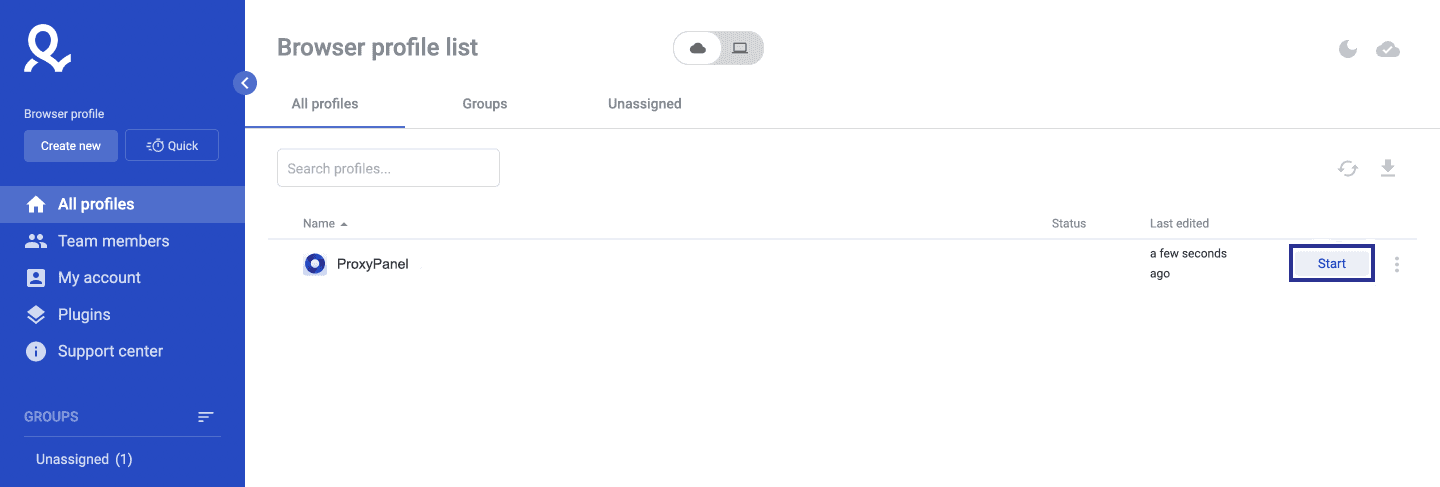
Go back to "Profiles", find your new profile and click on "Start."
Congratulations! You've completed the setup of your proxies using the Multilogin app. With multiple browser profiles and proxies, you can securely and anonymously browse the internet, keeping your online presence hidden and protected. Enjoy the enhanced privacy and versatility that Multilogin offers!